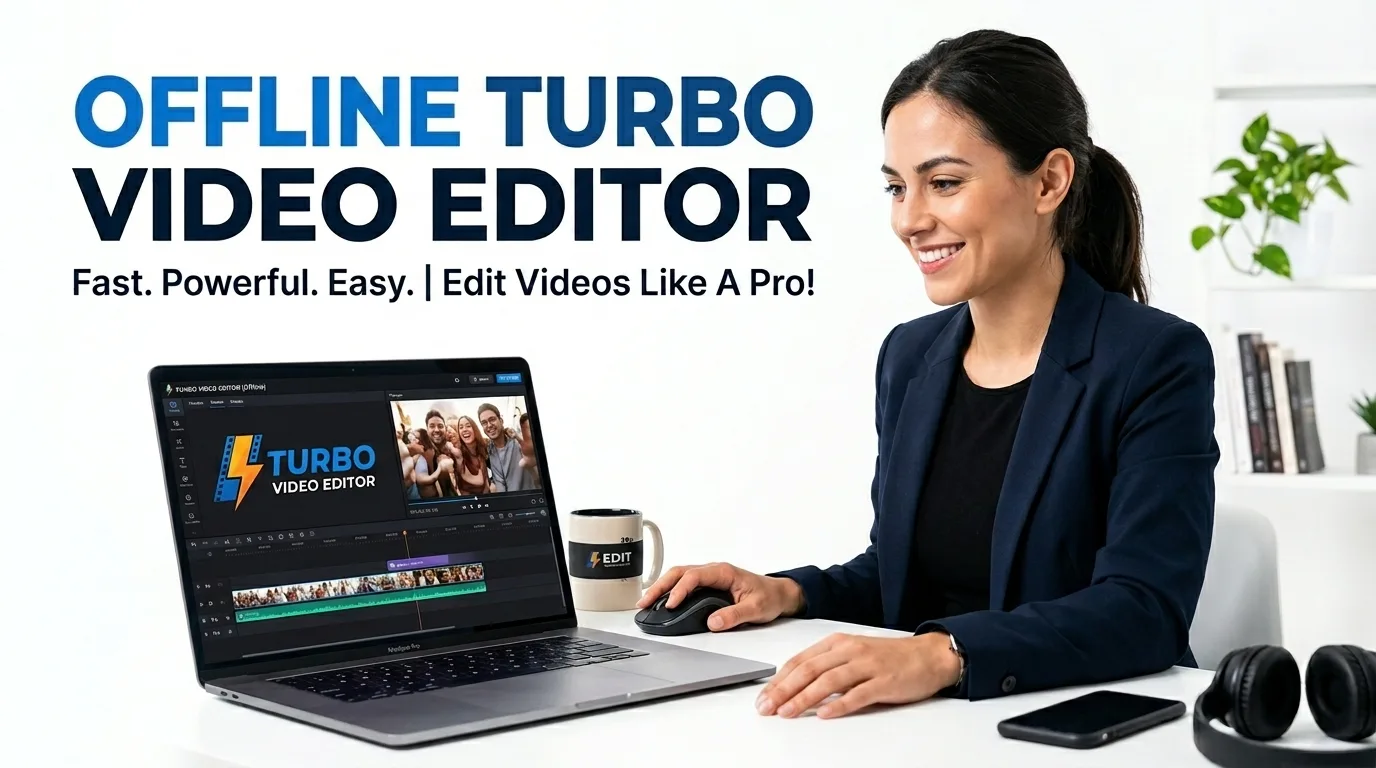
Turbo Video Editor
Need a Fast Offline Turbo Video Editor? Experience desktop-grade speeds with our multi-threaded, 100% offline video studio. Compress, trim, reverse, and convert instantly.
Table of Contents
Need to trim, merge or convert a video without uploading it to a website? Turbo Video Editor handles common editing jobs right in your browser: cut out a section, join several clips into one, convert between formats, and adjust the output, all on your own machine. It uses the browser video engine rather than a cloud renderer, which means a private recording, an interview clip or unreleased footage never leaves your device. That suits anyone who edits video they would rather not hand to a free web service, from a teacher trimming a lecture recording to someone stitching together phone clips. It handles everyday edits quickly rather than trying to be a full production suite, so the interface stays simple. Because the work happens on your device, there is no upload wait and no per-export limit, and it keeps working with the network switched off once the page has loaded.
🎬 Video Studio
Multi-clip timeline editor plus 25+ quick video tools — trim, crop, convert, compress and more. No upload, no login.
Preview Window
Storyboard Sequence (Drag to reorder) 0 Clips
Media Bin
Clip Inspector
Turbo Video Studio Pro
Multi-Threaded • 100% Offline • v5.0
Drag & Drop File Here or Click to Browse
Maximum Speed • Multi-Thread Enabled • 100% Offline Privacy
Uses Global Export Quality to reduce file size. Supports video & images. Output is re-encoded with libx264 for maximum compatibility.
Range: 0.25× (slow-mo) to 4.0× (fast forward). Audio pitch is auto-corrected.
0% = silent, 100% = original, 300% = triple boost. Exceeding 150% may cause clipping.
Repeats the video N times seamlessly. Great for creating looping content.
Requires video duration info. Upload video first for best results.
Live preview active on source video.
Live preview active on source video.
Live preview active on source video.
Each preset applies a custom color-curve filter via FFmpeg eq parameters.
Adds a dark circular border to the video — cinematic look.
Removes temporal noise. Heavier settings take longer but clean up grainier footage better.
Text appears at the bottom center between specified time codes. Includes semi-transparent background box.
Reverses video and audio playback backwards. Works best with short clips.
Flips video horizontally (Left↔Right mirror effect).
Applies Reverse + Horizontal Mirror simultaneously in one pass.
Permanently strips all audio tracks. Output file will be silent.
Extracts audio track and exports as high-quality MP3. Uses Audio Bitrate setting above.
Captures the very first frame of the video as a full-resolution JPG image.
Applies unsharp masking (5×5 kernel) to enhance edge clarity and detail.
Live Preview Active. Converts video to Black & White (removes all color data).
Upload a video or image
One Studio, 20+ Video Tools
Compress, trim, convert, crop, rotate, resize, add a watermark, change speed or FPS, and apply filters like brightness, denoise, color grade and vignette — all from one screen. Load a clip once and switch tools without re-uploading anything.
100% Offline & Private
Every operation runs inside your browser using WebAssembly. Your video never leaves your device and is never sent to a server, so there is nothing to upload and nothing stored afterwards. It keeps working with Wi-Fi switched off.
No Watermark, No Sign-up
The output is clean — no watermark on your frames and no account required. Multi-threaded processing uses more of your CPU cores, so a short clip is usually ready in seconds rather than minutes.
How to Edit a Video in Your Browser
Load Your Clip
Click the upload area and pick an MP4, WebM or MOV file from your device. A preview appears instantly.
Choose a Tool
Select an action from the Tools list — Compress, Trim, Convert or a filter. Each shows only the settings it needs.
Adjust and Run
Set your values, such as a trim start and end or a target size, then start. A progress bar shows how far along it is.
Preview and Download
Check the result in the output area and download it. If you like, feed it back in and apply another tool on top.
Last updated: July 2026
🔴 A Full Video Workflow Without Uploading Anything
Most people reach for an online video editor to do one small thing — shave a few seconds off a clip, shrink a file so it fits an upload limit, or convert a MOV into an MP4 that actually plays on a colleague’s laptop. The problem is that the usual free sites make you upload the whole file to their servers, wait in a queue, and then hand back a result with a watermark unless you pay. Turbo Video Studio Pro takes a different route: the editing engine runs on your own machine, so the file you drop in never travels anywhere.
That single choice changes what the tool is good for. Because there is no upload step, a 200 MB screen recording starts processing the moment you load it. Because nothing is stored on a server, a private client video or an unlisted family clip stays private. And because the same clip lives in the browser the whole time, you can chain several edits — trim, then compress, then convert — without the round trips a normal site forces on you.
🟡 What You Can Actually Do Here
The studio groups its features so you are not hunting through menus:
- 🔵 Size & format: compress to a target size, convert between MP4, WebM and other common formats, and change resolution or FPS to match where the video is going.
- 🟠 Cutting & framing: trim to an exact start and end, crop the frame, rotate, mirror, loop a section, or grab a single snapshot as an image.
- 🟣 Look & sound: adjust brightness, contrast, saturation and sharpness, apply grayscale, color grade or a vignette, reduce noise, add a watermark, and mute or change the volume.
Under the hood this is powered by a browser build of FFmpeg compiled to WebAssembly, which is why professional-grade operations run locally at all. The multi-threaded mode spreads the work across several CPU cores, so encoding finishes noticeably faster than a single-threaded browser tool.
🟢 When This Tool Is the Right Choice (and When It Isn’t)
This studio shines for quick, self-contained jobs: prepping a clip for WhatsApp or email, compressing a recording that is just over an upload limit, converting a format your player refuses to open, or cleaning up a single video with filters. Students trimming a presentation, teachers resizing a lesson recording, and creators making a fast social cut will get what they need in a couple of clicks.
It is honest to say what it is not: this is a single-clip toolkit, not a multi-track timeline editor. If you need to stitch ten clips together with transitions, layered audio and titles, a dedicated desktop editor is the better fit. For everything short of that, doing it in the browser — with no upload, no watermark and no sign-up — is usually faster. If you specifically want to shrink a file, our guide on compressing video without losing quality walks through the settings that matter, and you can pair this with the Advanced Image Studio for thumbnails and stills.
Frequently Asked Questions
Is my video uploaded to a server?
No. The whole studio runs inside your browser, so the file stays on your device from start to finish. Nothing is uploaded, and nothing is kept after you close the tab.
Does the exported video have a watermark?
No watermark is added. The output is a clean file you can use anywhere, and you do not need an account to download it.
What video formats can I open and export?
Common formats such as MP4, WebM and MOV work for input, and you can convert to widely supported outputs like MP4 and WebM. If a file refuses to load, converting it first usually solves playback issues elsewhere.
Why does a big file still process quickly?
There is no upload wait, and the multi-threaded engine uses several of your CPU cores at once. Speed depends on your device, but short clips are typically ready in seconds.
Can I apply more than one edit to the same clip?
Yes. Run one tool, then feed the result back in and apply the next — for example trim, then compress, then convert — without re-uploading anything.
Can it join several clips into one timeline?
Not yet. This is a single-clip studio focused on fast edits. For multi-clip timeline editing with transitions and layered audio, a desktop editor is a better match.
Does it work on mobile?
It runs in modern mobile browsers, though heavy operations are faster on a laptop or desktop with more CPU cores and memory. For large files, a computer gives the smoothest experience.