Translate and Dub Videos Free
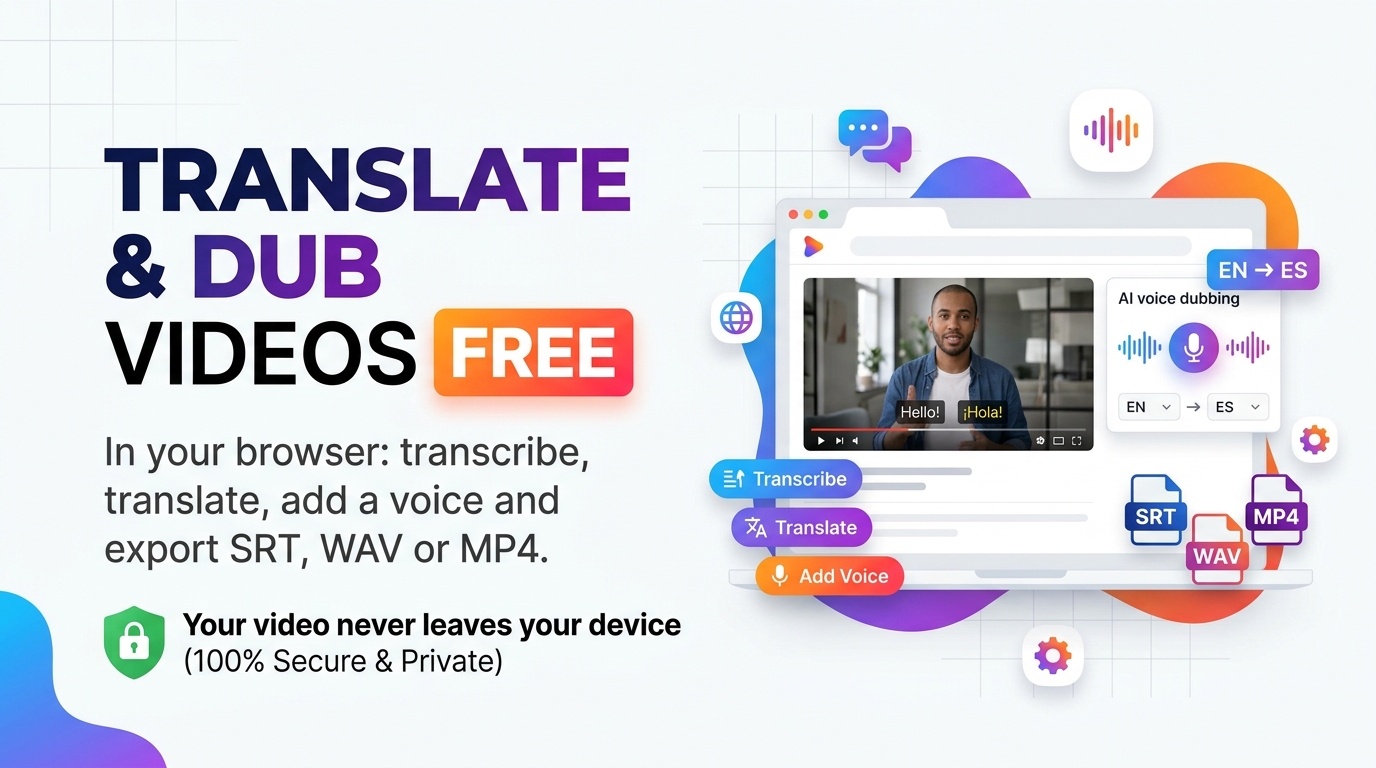
Free video dubbing in your browser: transcribe, translate, add a voice and export SRT, WAV or MP4. Your video never leaves your device.
Table of Contents
Video Dub Studio
Transcribe, upload SBV/SRT subtitles, translate with real meaning, and dub audio tracks or full videos.
🔑 API keys - one place for translation and voices
📄 Direct Subtitle Upload (.sbv, .srt, .vtt, .ass)
Already have a subtitle file (like YouTube .sbv or .srt)? Upload it directly to translate its real meaning and generate a dubbed audio track without needing a video.
Use only videos or subtitles you own or have permission to dub.
Transcription (Whisper, in your browser)
The first run downloads the model once, then it is cached by your browser.
Translate with Gemini (Real Meaning)
Get a free key at aistudio.google.com/apikey. Translates using surrounding sentence context so idioms and real meaning are preserved.
Voice
Works with or without a video file! If you uploaded an .sbv/.srt subtitle file only, this builds a synced standalone audio track ready to download.
🔴 Record live dub (no API key)
Plays the subtitle timeline or video with the browser voice and records the tab audio into a dubbed track you can export. Use desktop Chrome or Edge. Choose This Tab and tick Share tab audio.
Subtitles
Dubbed audio
Dubbed video
🟢 Dub inside your browser
Your video is never uploaded. Speech is transcribed on your own device, so only short pieces of text go to the translation service you choose.
🔵 Fix it before it speaks
Every sentence appears in an editable table. Correct a name or an awkward phrase first, then generate the voice.
🟣 Take away what you need
Download subtitles (.srt or .vtt), a dubbed audio track (.wav) or a finished video (.mp4).
Load & Transcribe: drop your video, choose the spoken language and press Transcribe.
Translate & Edit: pick the target language, paste your Gemini key and press Translate all segments. Fix any line you do not like.
Voice & Sync: choose a voice engine and press Build dubbed audio, or use Start recording with the browser voice.
Export: download the .srt, the dubbed .wav or the dubbed .mp4.
🔴 Who gets real value from a video dubbing tool in school?
- Teachers with recorded lessons. A 6-minute English walkthrough of a spreadsheet formula can be offered to Sinhala or Tamil medium students without re-recording it.
- Students making projects. A group video about a school science fair reaches relatives who do not speak the language of the original narration.
- Accessibility. Subtitles help students who are deaf or hard of hearing, and anyone watching without sound on a bus.
🟡 One sentence, from input to output
Take a single line from a lesson video. The narrator says “Save your work before you close the program.” starting at 2.0 seconds. The next sentence begins at 5.2 seconds, so this sentence has a 3.2 second slot.
- Transcribe: the tool stores the text with its start and end time.
- Translate (Spanish as an example): “Guarda tu trabajo antes de cerrar el programa.”
- Voice: the spoken Spanish clip comes out 4.0 seconds long, which is longer than the slot.
- Sync: the tool speeds the clip up by 4.0 / 3.2 = 1.25x so it ends before the next sentence starts. Your Max speed-up slider (default 1.35x) is the ceiling.
🟢 Mistakes that waste your time
- Skipping the edit step. Machine translation can mistranslate names, subject terms and jokes. Read the table in Tab 2 before you build any audio.
- Expecting a file from Browser voice. That engine only speaks live through your speakers. For a downloadable dub use a cloud engine, or use the Start recording button.
- Pausing while recording. The recording is real time. A pause shifts the voice against the picture.
- Starting with a long video. Try a 1 to 2 minute clip first, check the result, then process the full lesson.
🔵 Honest limits you should know
- Accuracy varies by language. The in-browser Whisper models are small. Clear speech with little background music works best, and Sinhala transcripts need more manual correction than English.
- Voice availability depends on the device. The tool shows whether your browser has a voice for the chosen language. If not, export subtitles or use a cloud voice.
- Speed-up changes pitch. Fitting long sentences by playing them faster can sound slightly high. Shorten the translated line in Tab 2 for a more natural result.
- Recording depends on the browser. Tab audio capture works in desktop Chrome and Edge, and some systems do not pass the browser voice into the recording.
- Large MP4 exports need memory. Dubbed video is made inside the browser, so short clips work best.
- Cloud voices and translation use your own API key, and your provider may charge for heavy use.
🟣 Use only what you have the right to dub
Dub your own videos or ones you have permission to adapt. Read more about the craft in the Wikipedia article on dubbing. To change a single spoken word instead of a whole video, try the Word-Level Audio Editor. To learn how the technology works, read How Speech Recognition and Text-to-Speech Work .
Last updated: October 2026
🤔 Frequently asked questions
Can I dub a video into Sinhala for free?
Transcribing, editing, subtitles and the live browser voice cost nothing. Translation needs a Gemini key, which has a free tier. A cloud voice for a downloadable dub uses your own key and may have limits or charges.
Is my video uploaded to your server?
No. The file stays in your browser. Only the text of each sentence is sent to the translation or voice provider you choose.
Why can’t I export audio with the Browser voice?
A browser speaks that voice straight to your speakers and does not hand over an audio file. Use a cloud engine, or press Start recording to capture the tab audio.
The dubbed voice sounds too fast. What can I do?
Lower the Max speed-up slider, or shorten the translated sentence in Tab 2 so it fits the time slot naturally.
How long can the video be?
Short and medium clips of up to about 10 minutes work best. For a long lesson, split it into parts and dub each one.
Can I use only the subtitles?
Yes. After Tab 2 you can download an .srt or .vtt file and skip the voice steps entirely.
Does it work on a phone?
Transcription, translation and subtitles work on most phones. Start recording needs desktop Chrome or Edge, and large video exports are better on a computer.
Why does the first transcription take so long?
The speech model downloads once and is then cached by your browser. Later runs start much faster.