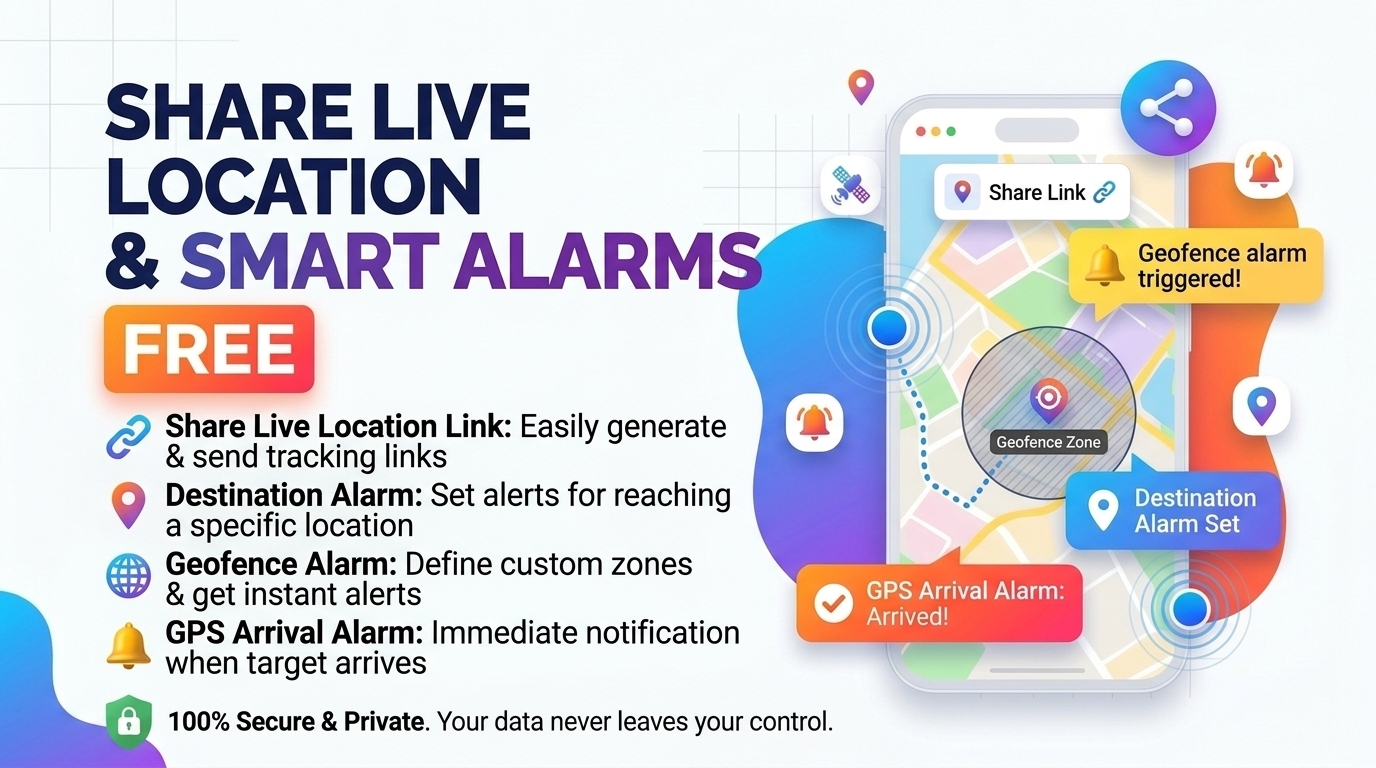
Live Location Sharing
Free live location sharing: send one link, follow a moving dot with ETA, and set a distance alarm for your stop. Learn how GPS and geofences work.
Table of Contents
Auto-Resume Same Link, Live GPS, Road Route & Travel Music Player.
Reconnect to continue sharing on the exact same link without sending a new link to your viewers.
If this page closes by mistake, reopening it will automatically resume your same link!
Tap a status to display it immediately on your viewers' map screen:
Your location is deleted from the database when you press End & Delete, or when your selected timer expires.
Tap the map, drag the red pin, or search a town below to auto-draw the road route and calculate arrival time (ETA).
No destination yet. Search a place or tap the map.
No spot yet. Tap the map or search below.
🟢 One link, no app, no sign-up
Press Start live sharing and you get a link and a QR code. Anyone who opens it sees your moving dot in their browser. You choose how long it lasts with Auto-stop after (1, 4, 8 or 24 hours).
🔵 Passing town, road route and ETA
The map names the town you are passing and draws a road route to the spot you choose, with an estimated arrival time. Viewers see the same route and a Dest. ETA on their panel.
🟣 A distance alarm you can actually see
A countdown panel, a “Getting close” popup and a full-screen alert tell you when you are near your stop. Sound and vibration are extras, because browsers can block them.
How to start sharing in four steps
- 1Set up and start. Type a display name if you like, choose Auto-stop after and Send my location every, then press Start live sharing and tap Allow when the browser asks for your location.
- 2Send the link. When the Share this live link card appears, press Copy, WhatsApp or Share…. Preview shows exactly what your viewers will see.
- 3Choose where you are going. In Destination & Multi-Stop Pass Alarm, type a town and press Set Spot, or tap the map. Use + Queue for extra stops, pick the alarm distance, press Arm alarm, then press Test sound and vibration once.
- 4Watch, then stop. Viewers follow the dot and can press the bell for their own alarm. When you arrive, press Stop sharing and your location is deleted from the database.
🔴 What happens between the GPS chip and your friend’s screen
When you allow location access, your browser asks the device for its position through the Geolocation API. The device answers with latitude, longitude and an accuracy figure: the radius, in metres, inside which your true position probably lies. That figure comes from satellites when the sky is visible, or from Wi-Fi and mobile-tower hints when it is not. It is why a laptop indoors can be hundreds of metres off while a phone outdoors is usually much closer.
Live location sharing then works like a small broadcast. Each reading is written to one record in a Firebase Realtime Database, and every viewer’s browser has a listener attached to that record. The database pushes the change to them, so viewers never keep asking “is there news yet?”. The Direct Dist figure is a straight-line distance worked out on the device that is looking at the map, using the haversine formula for distances on a sphere. Road Route comes from a routing service and is normally longer.
🟡 A worked example: the alarm countdown at 500 m
Leave the alarm distance at its 500 m default and set Send my location every to 5 seconds. A coach approaches your chosen stop, and the app sees three positions:
| Distance to the spot | What you see | Why |
|---|---|---|
| 1.50 km | Blue panel “On the way” with a short progress bar | Still outside twice the alarm distance (1 km) |
| 801 m | Amber panel “Getting close” and a popup: “Getting close to your stop: 801 m to go.” | Inside 1 km, still outside 500 m |
| 445 m | Full-screen red alert, with sound and vibration if the browser allows them | Inside 500 m, so the circle has been entered |
That “is the distance smaller than the radius?” test is a geofence: an invisible circle around a point on the map. You’ll notice the alarm fires once and then disarms. If you added more stops with + Queue, it moves on to the next stop by itself.
One detail decides whether a viewer’s alarm is reliable. The alarm on your own phone checks every GPS reading, but Send my location every controls how often viewers receive an update. A coach at 54 km/h covers 15 m each second: 75 m between 5-second updates, but 900 m between 1-minute updates. That is nearly as wide as the whole 1,000 m circle, so a coach on an off-centre path can slip through between two updates. For fast journeys, keep the interval at 5 seconds or less.
🟢 Three ways people use it
- A school trip. The teacher sends the link to the parents’ group. Parents watch the ETA, and the teacher taps In the bus, In traffic or Taking a break so the message appears on every viewer’s map.
- A night coach where you must not miss your stop. Set the spot, choose 1 km in the alarm distance list and press Arm alarm without starting a share. Nothing is stored in the database in this alarm-only mode.
- A pick-up. A viewer presses the bell button, taps the pick-up point and sets “Alert me when they are within” to 1 km, then waits indoors until the alert appears.
🔵 Mistakes that make the alarm miss
- Locking the screen or switching apps. Browsers pause GPS for hidden pages. Keep the screen on and the phone on a charger. Keep-Alive, Float Mini View and Pocket Screen can help on some phones, but nothing here is guaranteed.
- An alarm distance smaller than the accuracy. A 100 m circle is meaningless if the position is only good to 150 m. Watch the Accuracy value on the viewer’s panel and use 200 m or more unless you have a clear GPS signal.
- Skipping the test. Browsers allow sound only after you tap something, and iPhone browsers cannot vibrate. Press Test sound and vibration before the journey and treat the popup as the main alert.
- Posting the link publicly. Anyone who has the link can see your location until you stop. Send it to people, not to a public page.
🟣 Limits to know before a long trip
- Background tracking is a browser limit. A web page cannot promise GPS while it is hidden, so this tool is not a full replacement for a native tracking app.
- The ETA is an estimate. It uses typical road speeds from a public routing service, not live traffic.
- SOS / Call Me is only a message. It shows a red banner on viewers’ maps. It does not contact emergency services, so call your local emergency number if you need help.
- Town names and routes come from public OpenStreetMap services. They receive the coordinates being looked up and may slow down or limit heavy use.
- Free database limits apply. A very large number of viewers at one time can reach the free tier’s connection cap.
Planning the route before you leave? Try the Trip Route Planner, and read how GPS works for the theory behind the numbers above.
Last updated: October 2026
🤔 Frequently asked questions
Do my viewers need to install an app or create an account?
No. They open your link in any modern browser and see the map. Only the person sharing must allow location access, and sharing needs a secure (https) page.
Why does sharing stop when I lock my phone?
Browsers pause GPS and network activity for pages that are hidden or on a locked screen. The Background and Screen-Off Booster buttons try to reduce this, but results differ by phone, so keep the screen on for important trips.
Who can see my location?
Anyone who has your link, while sharing is active. The link ends with a random 12-character code, so treat it like a key: send it to people you trust and press Stop sharing when you arrive.
What happens to my location after I press Stop sharing?
The record is deleted from the database. It is also removed if your device goes offline and when the Auto-stop after timer ends. A viewer who still has the page open keeps the last dot on their own screen until they close it.
What does “Send my location every” change?
It sets how often your position is sent to viewers: from every second for the smoothest movement up to once a minute to save battery and data. Your own alarm is not affected, but viewers’ alarms and the moving dot depend on it.
How small can I set the alarm distance?
You can type a custom distance, but it only makes sense if it is larger than the accuracy your device reports. Outdoors a phone is often good to a few metres up to a few tens of metres. A laptop using Wi-Fi can be far worse, so use 200 m or more there.
Is the ETA based on live traffic?
No. It is calculated from typical road speeds on a public routing service. Treat it as a guide and expect delays in heavy traffic, road works or bad weather.
Is the SOS / Call Me button an emergency call?
No. It places a red message on your viewers’ maps so people you know can phone you. It cannot reach police, ambulance or any emergency service, so use your local emergency number when you need urgent help.