AI Story-to-Storyboard Generator
Turn a full story or script into sequential, shot-by-shot prompts for AI video tools. Keeps characters consistent across every scene with a running Character Bible, extracts voiceover, builds a master shot list, and generates SEO. Bring your own key (Gemini, OpenAI or Claude).
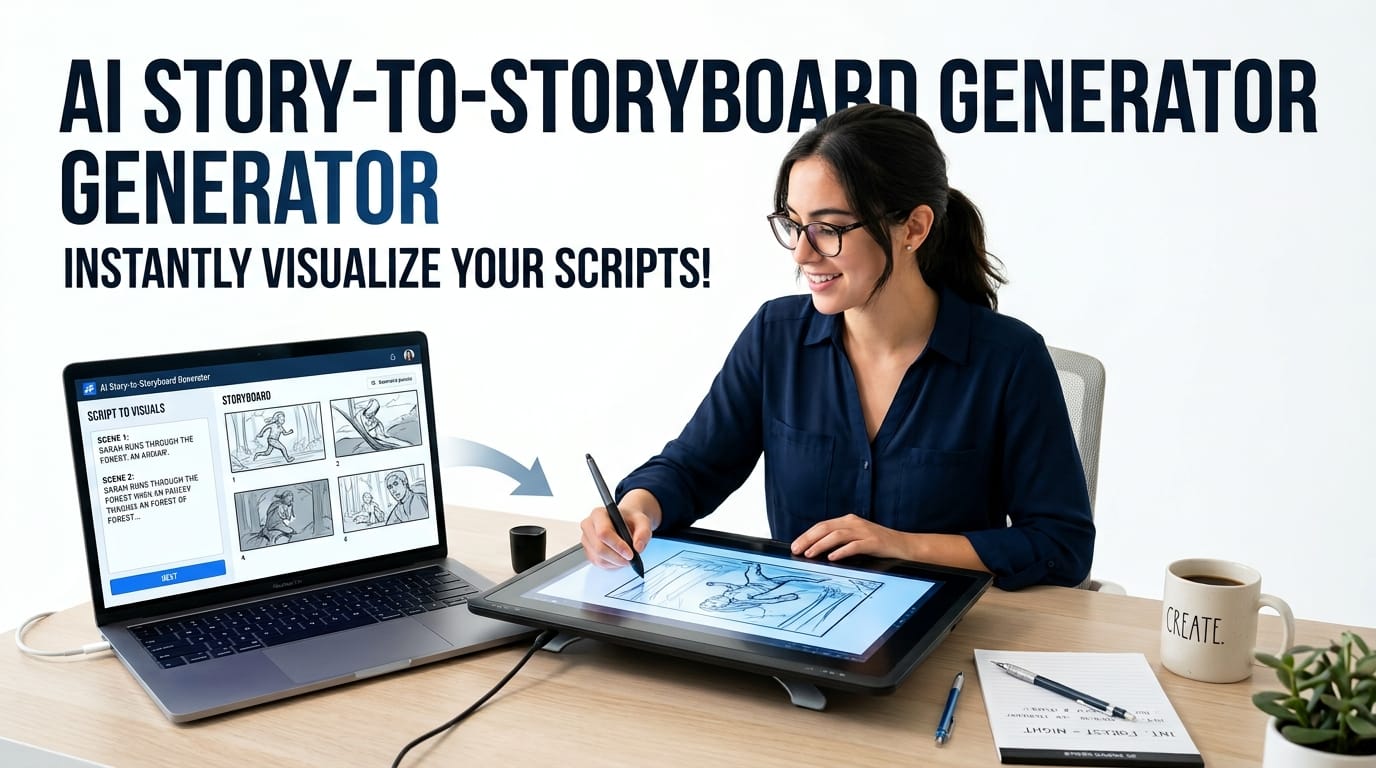
Table of Contents
🎬 AI Story-to-Storyboard Generator
Paste a full story or script and let your own AI model turn it into an organized, scene-by-scene storyboard: image prompts, minimalist video prompts with expected timing and dialogue, and voiceover lines. Bring your own API key (Gemini, OpenAI, or Anthropic). Long stories are handled part by part so the model never gets stuck.
💡 Use the 🌐 Translate button on each generated part to read prompts in your local language instantly.
Title & description come back mixed Sinhala + English, tuned for the chosen platform, plus proposed keywords.
One Story In, a Whole Shot List Out
Paste a full script and the tool splits it into ordered parts, then turns each into a self-contained prompt built for text-to-video models — subject, setting, camera, lighting and action written the way the models actually respond to. You go from a wall of prose to a numbered sequence you can feed a generator shot by shot, in the right order.
A Character Bible That Keeps Faces Consistent
The hardest problem in AI video is that the model forgets what your character looks like between clips. This tool maintains a running Character Bible — a locked one-line description of each character and setting that is carried into every later scene, so the same person keeps the same face, clothes and features across the whole story instead of mutating shot to shot.
Voiceover, Shot List and SEO Too
Beyond scene prompts it extracts a clean voiceover script, builds a master shot list, drafts a thumbnail prompt, and generates SEO titles, description and tags for the finished upload. Platform presets for YouTube, Facebook, TikTok and Instagram set the right aspect ratio and pacing for where the video is going.
How to Use the Story-to-Storyboard Generator
Connect Your Key
Pick your AI provider — Gemini, OpenAI or Claude — and paste your own API key. Gemini and Groq-class free tiers make this workable at no cost for most creators.
Run Part 0 First
Paste your story, choose a platform and preset, then run the setup step. This establishes the Character Bible and running context that every later scene will draw from.
Split and Generate
Split the story into parts, generate character references, then produce scene prompts — one at a time or all remaining at once. Add a custom scene for any moment you want handled specially.
Export the Package
Pull the voiceover, master shot list, thumbnail prompt and SEO, then download everything. Take the prompts to your video model and the voiceover to your narration workflow.
Last updated: August 2026
🔴 The Real Problem: Your Character Changes Every Shot
Anyone who has tried to make a multi-scene video with AI tools has hit the same wall. You generate a clip of your protagonist — a woman in a red coat, dark hair, sharp features. It looks great. You generate the next clip, and she has blonde hair, a different face, and the coat is now brown. Text-to-video models have no memory between generations. Each clip is produced fresh, and unless you feed the model the exact same description every time, it invents a new person.
This is the single biggest thing standing between a nice one-off clip and an actual watchable story. A story needs the same character to be recognisably the same across a dozen shots, and the models will not do that on their own. Solving it is not about a better single prompt — it is about consistency management across the whole sequence, and that is what this tool is built around.
The mechanism is the Character Bible. When you run the setup step, the tool reads your whole story and locks down a short, fixed description of each recurring character and key setting — one line each, deliberately terse so it can be repeated verbatim. Every scene prompt it then generates carries those exact descriptions forward. The model sees the same “woman, late 20s, shoulder-length black hair, red wool coat” in shot 1 and shot 11, so it draws the same person both times. It is the same trick a human show-runner uses with a series bible, applied to a machine that has no memory.
🟡 Why Split a Story Into Parts At All?
Current AI video tools generate short clips — a handful of seconds each. You cannot hand one a five-minute story and get a film back. So the real production workflow is: break the story into short beats, generate each as its own clip, and edit them together. The splitting is not busywork; it mirrors how the video actually has to be made.
Doing that well by hand is tedious and easy to get wrong. Each beat needs to be the right length for one clip, needs a prompt that stands on its own, and needs to carry the visual continuity from the last shot. The tool handles the decomposition — you set a target part size, and it divides the narrative into scene-sized pieces, each emerging as a complete prompt with the subject, setting, camera framing, lighting and action spelled out. A neat detail baked into the guidance it follows: ending a clip on black makes continuity between clips far more forgiving, so the seams do not show when you cut them together.
If instead of a whole story you just want to nail one perfect shot — dialing in the lens, the grade, the film stock — that is a different job, and the companion AI Cinematic Prompt Generator is built for exactly that, with a structured vocabulary of film and photography terms and a shot-list tab that holds one look steady across variations. Use this Story-to-Storyboard tool to break a narrative into a consistent sequence; use that one to perfect an individual frame.
🔴 An Honest Word: This Tool Sends Your Story to an AI
Most tools on this site run entirely in your browser with nothing leaving your machine. This one cannot, and it would be wrong to imply otherwise. Turning a story into scene prompts is a job only a large language model can do, and those models run on the provider’s servers. When you generate, your story text is sent over the internet to whichever provider you chose.
So the accurate privacy statement is specific: your API key and your story go directly from your browser to the AI provider you selected — Google, OpenAI or Anthropic — and never pass through a schoolict server. What the provider does with that text is governed by its data policy, not ours. If your script is unpublished or commercially sensitive, read the data-retention terms of the provider you pick before pasting it in. This is the same honest trade covered for the other browser-based AI tools in the collection: bring-your-own-key removes the middleman, it does not make the work local.
🟢 Bring Your Own Key, Pick Your Provider
You supply the API key, which means you are on your own free or paid tier with the provider directly, and there is no subscription to this tool. Each provider has a personality worth matching to the task: the free Gemini tier is fast and capable and the sensible default; OpenAI’s smaller models are strong all-rounders; and Claude tends to hold a long, complex story in mind well, which matters when the Character Bible has to stay coherent across many scenes. Because model names change often, the tool ships current defaults with the option to override — do not be surprised when the exact version shifts over time.
🟡 Built With Sinhala Horror Creators in Mind
One of the built-in presets is tuned for Sinhala horror storytelling — the Holman Katha style familiar to Sri Lankan YouTube audiences. Horror is a genre where character and setting consistency matters more than most: the dread depends on the same house, the same figure, the same darkness recurring and building. A protagonist whose face changes halfway through breaks the spell entirely. The preset leans the prompts toward the mood, pacing and framing that suit the genre, so a creator working in Sinhala horror starts far closer to the right output than a generic cinematic setting would allow.
It is a small example of a larger point: local creators are not well served by tools built only around English-language, Western-genre assumptions, and a preset that understands a specific storytelling tradition saves a great deal of manual prompt-wrangling. The general cinematic preset remains there for everything else.
🟢 Everything the Upload Needs, Not Just the Visuals
A finished video is more than its shots, and the tool produces the surrounding pieces so you are not assembling them by hand afterwards. The voiceover extraction pulls a clean narration script out of the story, separated from the visual directions, ready to record or feed to a text-to-speech step. The master shot list gives you the whole sequence at a glance for planning and editing. The thumbnail prompt drafts a strong key image for the click. And the SEO generator writes the title, description and tags the platform will index.
Taken together, that turns the tool from a prompt toy into a pre-production assistant: story in, and out comes an ordered prompt sequence with locked characters, a narration script, a shot list, a thumbnail concept and the metadata for the upload. The generation still happens in your video model of choice and the edit still happens in your editor — but the planning, the part that usually eats an evening, is done. The rest of the site’s creator and developer utilities are indexed in the tools directory.
Does this tool make the video for me?
No. It produces the prompts, voiceover script, shot list and SEO. You take the scene prompts to a text-to-video model (Sora, Runway, Kling and the like) to generate the actual clips, then edit them together yourself.
How does it keep my character looking the same?
Through a running Character Bible: a fixed one-line description of each character and setting, established up front and carried verbatim into every scene prompt, so the model draws the same person each time instead of inventing a new one.
Is it free?
The tool is free with no subscription. It uses your own AI API key, and providers like Gemini offer a free tier with no card, so most creators pay nothing. Heavier use may draw on a paid tier with your provider directly.
Is my story kept private?
Your story goes directly from your browser to the AI provider you choose, never through a schoolict server. But it does leave your machine — it has to reach the model. For sensitive scripts, check the provider’s data-retention policy first.
Why must I run Part 0 before anything else?
Part 0 reads the whole story and builds the Character Bible and running context. Every later scene depends on it. Skip it and the tool has no locked descriptions to carry forward, so consistency breaks down.
Which video tools do the prompts work with?
The prompts are written in the plain, structured style that text-to-video models respond to, so they suit the major generators. You may still tweak wording for a specific tool, but the subject, camera and lighting detail transfers well.
What is the difference from the Cinematic Prompt Generator?
This tool breaks a whole story into a consistent sequence of scene prompts. The Cinematic Prompt Generator perfects a single shot from a controlled film vocabulary. Use this for a narrative, that one for one frame.
Can it handle Sinhala horror stories?
Yes — there is a preset tuned for Sinhala horror (Holman Katha) storytelling, which leans the prompts toward the mood and pacing of the genre. A general cinematic preset is there for everything else.