

Introduction
For any YouTuber or ICT student, seeing the “Verify it’s you” popup every minute is annoying. While we established that this is often caused by a simple dead CMOS Battery (CR2032) messing up your computer’s time, it forces us to ask a bigger question:
How does Google actually protect our accounts? And how do hackers try to break in?
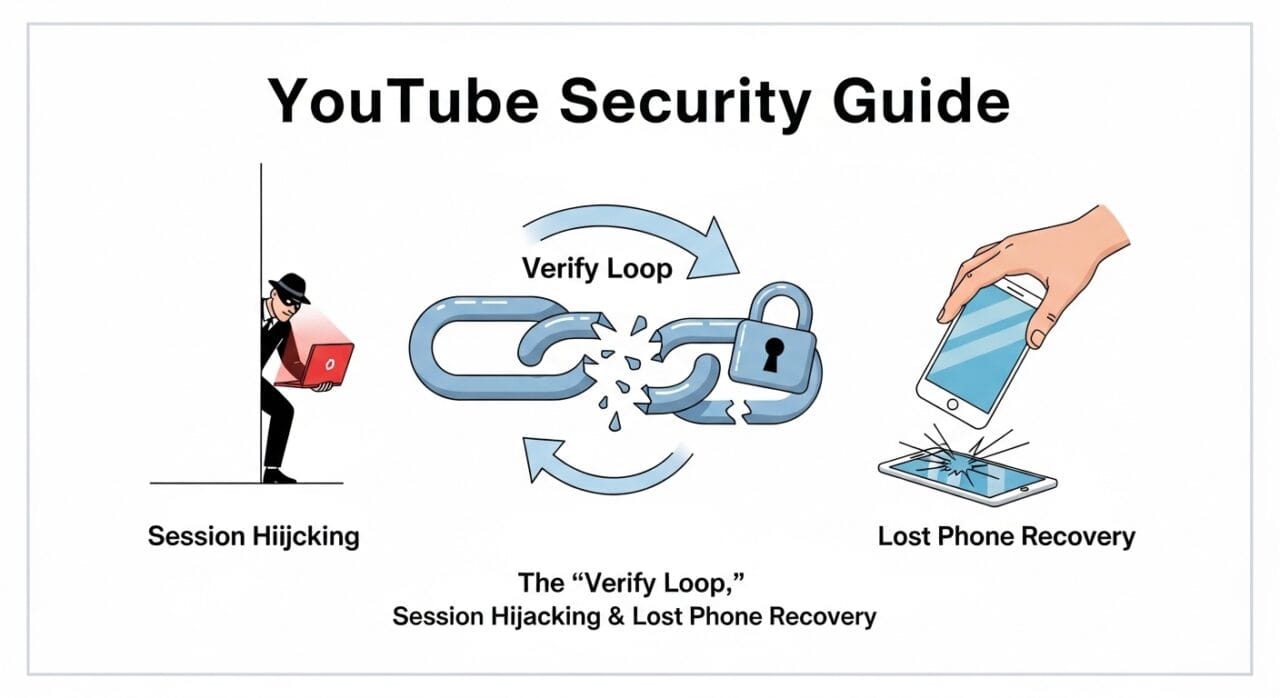
In this post, we will break down the two main methods hackers use (Password vs. Session Hijacking) and provide a Disaster Recovery Plan for when you lose your phone.
Part 1: The Two Ways Hacking Happens (ICT Theory)
As an ICT student, you need to understand that not all “hacks” are the same. There are two distinct methods criminals use to enter a channel.
1. Password Theft (The Traditional Method)
This happens when you accidentally enter your Email and Password into a fake website (Phishing).
- The Hacker’s Power: Total Control.
- The Result: They log in, immediately change your Recovery Email, Phone Number, and Password.
- Recovery: Very difficult because they lock you out instantly.
2. Session Hijacking / Cookie Stealing (The Modern Threat)
This is the most common method today, especially for YouTubers who download “Cracked Software” or “Game Patches.”
- How it works: You don’t give them your password. Instead, a virus on your PC steals your “Browser Cookies” (the temporary digital ID card that keeps you logged in).
- The Hacker’s Power: Limited but dangerous. They import your “Cookie” into their browser. Google thinks they are you. They don’t need a password to upload videos.
- The Connection to the “Verify Loop”: The reason you are getting the “Verify it’s you” loop right now is that Google’s security AI is trying to prevent Session Hijacking. Because your computer time is wrong, Google suspects your “Cookie” is fake or expired, so it kicks you out to protect you.
Part 2: Disaster Recovery – “I Lost My Phone!”
Your mobile phone is your key to 2-Step Verification (2FA). If you lose it, you might feel locked out of your brand. Here is the ICT Student’s Guide to getting back in.
Method 1: The “Golden Ticket” (Backup Codes)
If you previously downloaded your 10 Backup Codes, you don’t need your phone.
- Click “Try another way” on the login screen.
- Enter one of the 8-digit codes.
- Tip: Always print these codes and keep them in your wallet, not on your computer.
Method 2: SIM Replacement (The Sri Lankan Fix)
Even if you lose your phone, you haven’t lost your Number.
- Take your National ID (NIC) to your service provider (Dialog, Mobitel, Hutch, etc.) immediately.
- Request a SIM Replacement with the same number. The old SIM in the stolen phone will stop working instantly.
- Put the new SIM into any phone.
- Log into Google and select “Get code via SMS.”
Method 3: The “Trusted Device” Backdoor
If you are still logged into your Laptop or PC:
- Go to Google Account > Security.
- Since the PC is a “Trusted Device,” Google might let you turn off 2-Step Verification temporarily without asking for the phone.
- Remove the lost phone from the account immediately.
Part 3: Immediate Action Plan (If Phone is Stolen)
If your phone is stolen, do these three things within the first hour:
- Remote Wipe: Go to
android.com/findfrom a computer. Log in and click “Erase Device.” This deletes all your photos and logged-in accounts so the thief gets nothing. - Sign Out via Google: Go to
Security>Manage all devices. Find the lost phone and click “Sign Out.” This cuts off the thief’s access to your YouTube Studio. - Revoke Authenticator: Generate a new set of Backup Codes or set up a new Authenticator app on a family member’s phone temporarily.
Part 4: What Hackers Do With Stolen Channels
If a hacker bypasses your security (via Cookies or Password), they usually follow a specific pattern to monetize your audience:
- The Crypto Scam: They rebrand your channel to “Tesla” or “SpaceX,” delete your videos, and livestream a fake Elon Musk video asking for Bitcoin.
- The Black Market Sale: They sell the channel on the Dark Web to buyers who want a pre-built audience of 50,000+ subscribers.
- Malware Spreading: They upload videos containing viruses to infect your subscribers.
Conclusion
The “Verify it’s you” loop is annoying, but it’s actually a sign that Google’s security systems are working to prevent Session Hijacking.
- To fix the loop: Replace your motherboard’s CMOS Battery.
- To protect your future: Print your Backup Codes today.
- To recover from loss: Remember that a SIM Replacement is your fastest route back into your account in Sri Lanka.





Leave a Reply