

Post Content:
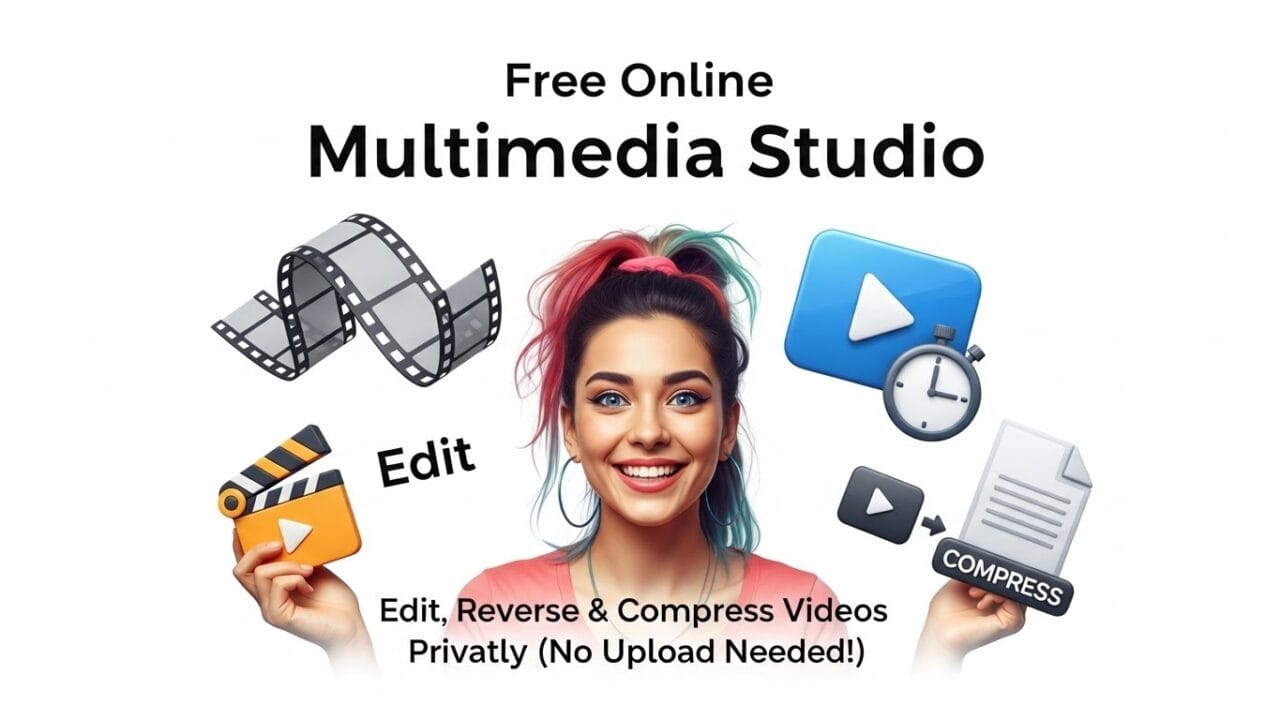
Are you tired of waiting for slow video editors to upload your files? Or are you worried about privacy when uploading personal videos to random websites just to reverse or trim them? use Free Online Multimedia Studio
We have the solution.
Introducing the SchoolICT Multimedia Studio, a powerful, free, and 100% private online tool designed for students, creators, and everyone in between. Whether you need to reverse a video for a ghost story, compress a large file for WhatsApp, or convert images to WebP, our tool does it all—instantly, right in your browser.
Multimedia Tool Edit, Reverse & Compress Videos PrivatelyWhy is this Tool Different?
Most online video editors require you to upload your video to their server. This takes time, uses your data, and puts your privacy at risk.
The SchoolICT Studio is different:
- 🚀 Zero Uploads: Your files never leave your device. The processing happens inside your browser using advanced WebAssembly technology.
- 🔒 100% Private: Because there is no upload, your personal videos and photos stay on your computer or phone.
- ⚡ Blazing Fast: No waiting for uploads or downloads. It starts processing immediately.
Key Features
We have packed this studio with the essential tools every ICT student and content creator needs:
🎬 Video Tools
- Video Reverser: Create spooky “reverse motion” effects (perfect for ghost stories!).
- Video Compressor: Reduce file size without losing quality.
- Trimmer: Cut out the boring parts; keep only what you need.
- Speed Control: Make slow-motion clips (0.5x) or fast-forward timelapses (2x).
- Mirror Effect: Flip your video horizontally.
- GIF Maker: Turn any video clip into a lightweight GIF.
- Audio Extractor: Pull MP3 audio tracks from any video file.
🖼️ Image Tools
- WebP Converter: Convert heavy JPG/PNGs to modern, fast-loading WebP format.
- Smart Resizer: Scale images down to 50% or custom sizes instantly.
- Filters & Effects: Apply Grayscale, Sepia, or Rotate your images with one click.
🔊 Audio Tools
- Volume Booster: Is your video too quiet? Boost the volume up to 200%.
- Mute: Remove unwanted background noise completely.
How to Use the Multimedia Studio
It is incredibly simple. You don’t need to install any software.
- Drag & Drop: Drop your video or image file into the upload box.
- Select a Tool: Click on the tab you need (Video, Image, or Audio) and select an effect (e.g., Reverse or Compress).
- Adjust Settings: If the tool has options (like Speed or Volume), adjust the sliders to your liking.
- Click Process: Hit the blue button and watch the magic happen.
- Download: Your edited file is ready instantly. Click “Download Result” to save it.
Perfect for A/L ICT Students
This tool demonstrates the power of Client-Side Scripting and Cloud-Free Computing. Instead of relying on a server to do the heavy lifting, we use your browser’s own power. This is the future of web applications!
Try it now and experience the speed yourself.




Leave a Reply