

Are you tired of handwriting your Term Notes and Daily Logs every semester?
As teachers, we spend hours balancing lesson plans, checking calendars, and writing down the same “Daily Log” entries over and over. It’s time to work smarter, not harder.
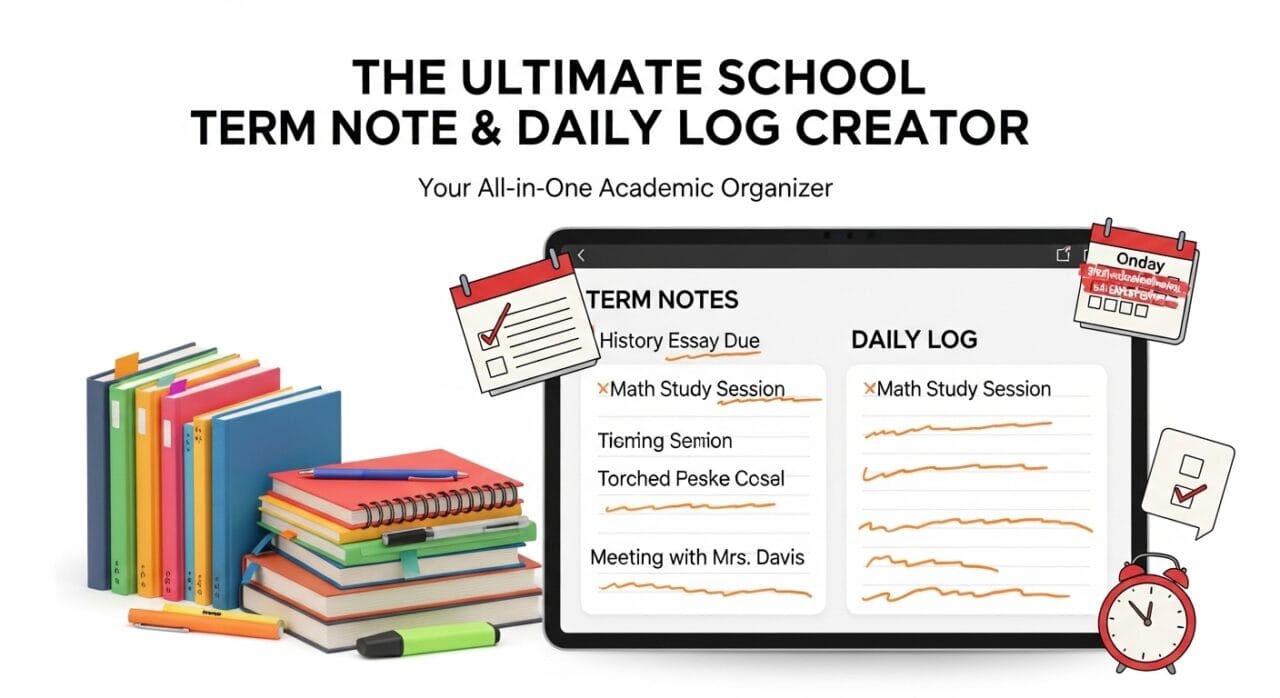
Introducing the School Term Note & Schedule Tool v10.0 – a free, web-based application designed specifically for Sri Lankan teachers. This tool automates the entire process of creating your Term Notes (Lesson Plans) and Teacher’s Daily Logs based on your specific timetable and school calendar.
Tool For Teachers School Term Note & Daily Log Creator🚀 What is New in Version 10.0?
We have upgraded the tool based on feedback from ICT teachers across the island.
- ✨ Automatic Daily Log Generator: Now generates a printable “Daily Log” (3 days per A4 page) automatically from your Term Note.
- 📄 Landscape & Portrait Mode: Choose your preferred layout for both Term Notes and Daily Logs.
- 💾 Auto-Save: Your timetable and school details are saved in your browser (Local Storage), so you don’t have to re-enter them every time.
- 📅 Sri Lankan Holidays Included: The tool automatically skips Poya days and public holidays for 2026.
🛠️ Key Features
1. Smart Timetable Integration
Simply enter your class codes (e.g., 10A, 11B) into the grid. The tool knows exactly which days you teach and assigns lessons to those specific dates only.
2. Syllabus Coverage (Competency Based)
- One-Click Load: Pre-loaded with ICT syllabuses (Grade 6-13).
- Custom CSV: You can upload your own subject content using a simple CSV file.
- Auto-Balancing: If a term is long, the tool automatically inserts “Revision/Activity” slots to fill empty days.
3. The “Master” Schedule
Do you teach 10A, 10B, and 10C? Select “All (Master)” to generate a combined Term Note that shows which class covered which lesson on which date, all in one document.
4. Printable Daily Log (New!)
This is the biggest time-saver. Once your Term Note is generated, scroll down to Section 6.
- It creates a standard “Teacher’s Daily Log” format.
- Includes Teacher Activity and Student Outcome columns.
- You can adjust column widths to fit your writing style.
- Download as PDF or Print directly.
📝 How to Use the Tool (Step-by-Step)
Follow these simple steps to generate your documents in minutes:
Step 1: Set Your Timetable
- At the top of the page, fill in the “Timetable Grid”.
- Enter your class names (e.g., 10A, 11B) in the correct periods.
- Tip: Use the “Quick Fill” button to see how it works.
Step 2: Enter School Details
- Fill in your School Name, Teacher Name, and Subject.
- Select the Grade and Term (1st, 2nd, or 3rd).
- You can even edit the Term Dates if your school schedule is different!
Step 3: Load Lesson Content
- Click the green “📥 Load Default” button to fetch the syllabus for your selected grade.
- Check the boxes for the lessons you want to cover this term.
Step 4: Generate Term Note
- Click “Generate Note”.
- The tool calculates the dates based on your timetable and holidays.
- You can now Print or Download as PDF.
Step 5: Get Your Daily Log
- Go to Section 6 (at the bottom).
- Select the Start/End dates for the log.
- Click “👁 Preview” to see your log entries.
- Click “⬇ PDF (Daily Log)” to save it.
📥 Download / Use the Tool
This tool is hosted freely for all teachers. You can use it online or download the source code for your own local server.
👉 Click Here to Use the Tool Online
❓ Frequently Asked Questions
Q: Does it work on Mobile? A: Yes, the interface is responsive. However, for printing PDFs, we recommend using a Laptop or PC.
Q: Will I lose my data if I refresh? A: No! The tool uses your browser’s “Local Storage” to save your Timetable and School details automatically.
Q: Can I use this for subjects other than ICT? A: Yes! Use the “Custom CSV” option to upload your own syllabus (Science, History, English, etc.) and generate notes instantly.




Leave a Reply