
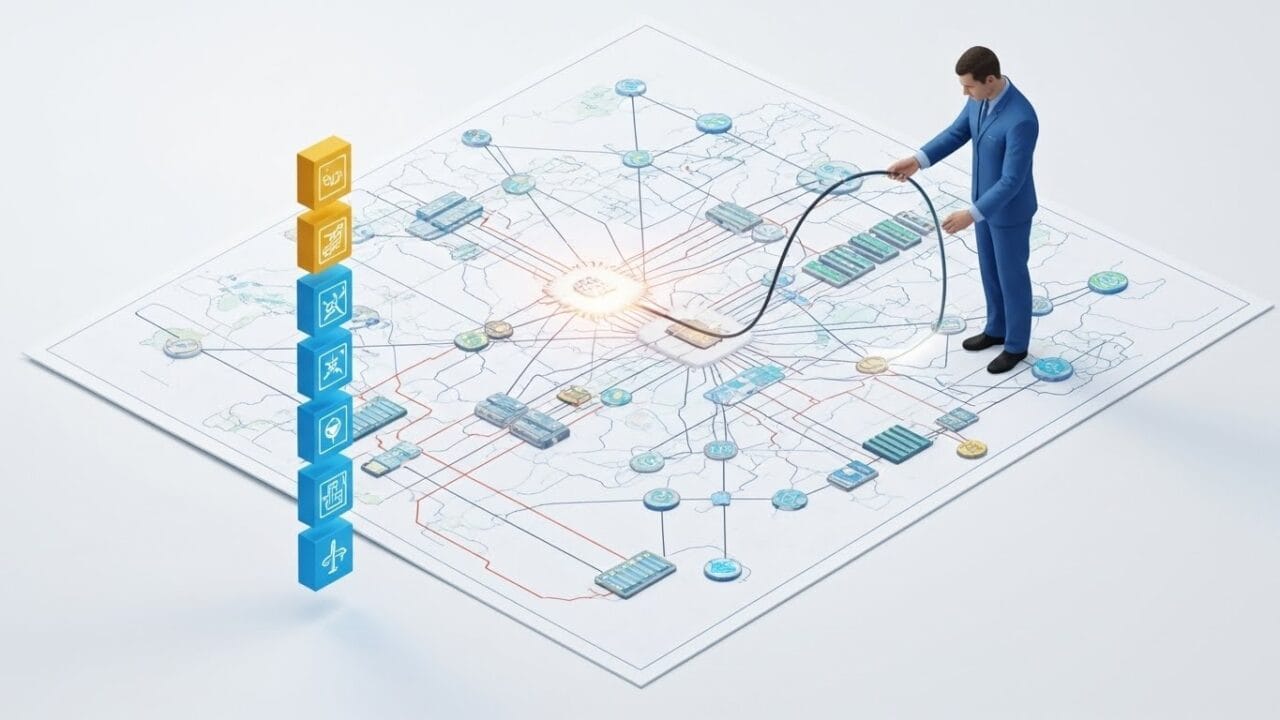
In a globalized world, the ability for computers to communicate is the backbone of modern society. Lesson 6 of the GCE A/L ICT syllabus explores the hardware, software, and protocols that allow data to travel across the room or across the planet.
By combining our comprehensive LMS notes with the SchoolICT.net Network Skills Tool, you can build and test virtual networks to see how data packets actually move.
1. Components of Data Communication
Every communication system requires five basic components:
- Message: The information to be communicated.
- Sender: The device that sends the data.
- Receiver: The device that receives the data.
- Transmission Medium: The physical path (wired or wireless).
- Protocol: The set of rules governing the communication.
2. Transmission Media
Data travels through two types of media:
Guided Media (Wired)
- Twisted Pair: Used in LANs (UTP/STP).
- Coaxial Cable: Used for cable TV and older networks.
- Fiber Optic: Uses light pulses; offers the highest speed and lowest interference.
Unguided Media (Wireless)
- Radio Waves: Used for Wi-Fi and Bluetooth.
- Microwaves: Used for line-of-sight satellite and terrestrial communication.
- Infrared: Used for short-range communication (TV remotes).
3. Network Topologies
Topology refers to the physical or logical arrangement of devices in a network.
- Star Topology: All devices connect to a central hub/switch. If the hub fails, the network goes down.
- Bus Topology: All devices share a single backbone cable.
- Ring Topology: Devices are connected in a closed loop.
- Mesh Topology: Every device is connected to every other device (highest redundancy).
4. The OSI Model vs. TCP/IP Model
To ensure different systems can talk to each other, we use standard models.
The OSI 7-Layer Model:
- Physical: Bit stream transmission.
- Data Link: Error detection and MAC addressing.
- Network: Routing and IP addressing.
- Transport: End-to-end connection and flow control.
- Session: Managing sessions between applications.
- Presentation: Data encryption and formatting.
- Application: User interface (HTTP, FTP, SMTP).
5. Network Hardware Devices
- NIC (Network Interface Card): Connects a device to a network.
- Hub/Switch: Connects devices within a LAN (Switches are “smarter” as they use MAC addresses).
- Router: Connects different networks (e.g., your home LAN to the Internet).
- Gateway: Connects networks with different protocols.
6. Interactive Learning: Network Skills Tool
Networking can feel invisible until you use a simulator. The SchoolICT.net Network Skills Tool lets you get “hands-on” with virtual hardware.
Features of the Tool:
- Virtual Topology Builder: Drag and drop PCs, Switches, and Routers to build a Star or Mesh network.
- Packet Tracer Simulator: Send a “Ping” from one computer to another and watch the data packet travel through the layers of the OSI model.
- IP Addressing Lab: Practice assigning IPv4 addresses and Subnet Masks to ensure all devices in your virtual network can communicate.
- Cable Selection Quiz: Match the correct cable type (Straight-through vs. Crossover) to the devices you are connecting.
7. Exam Success Tips for A/L Students
- OSI Layers: Memorize the layers in order. A common mnemonic is “Please Do Not Throw Sausage Pizza Away.”
- Switch vs. Hub: Always remember that a Switch reduces “collision” because it sends data only to the specific destination port, whereas a Hub broadcasts to everyone.
- IP Addressing: Be ready to identify Class A, B, and C IP addresses based on the first octet.
- Fiber Optics: If a question asks for the best medium for long-distance, high-speed, and EMI-resistant communication, the answer is always Fiber Optic.
Conclusion: Connecting the World
Lesson 6 turns the “magic” of the internet into understandable science. By mastering networking, you understand the infrastructure of the digital age. Use our LMS notes to study the protocols and the interactive simulator to build your first virtual network.
Ready to connect?


Leave a Reply