

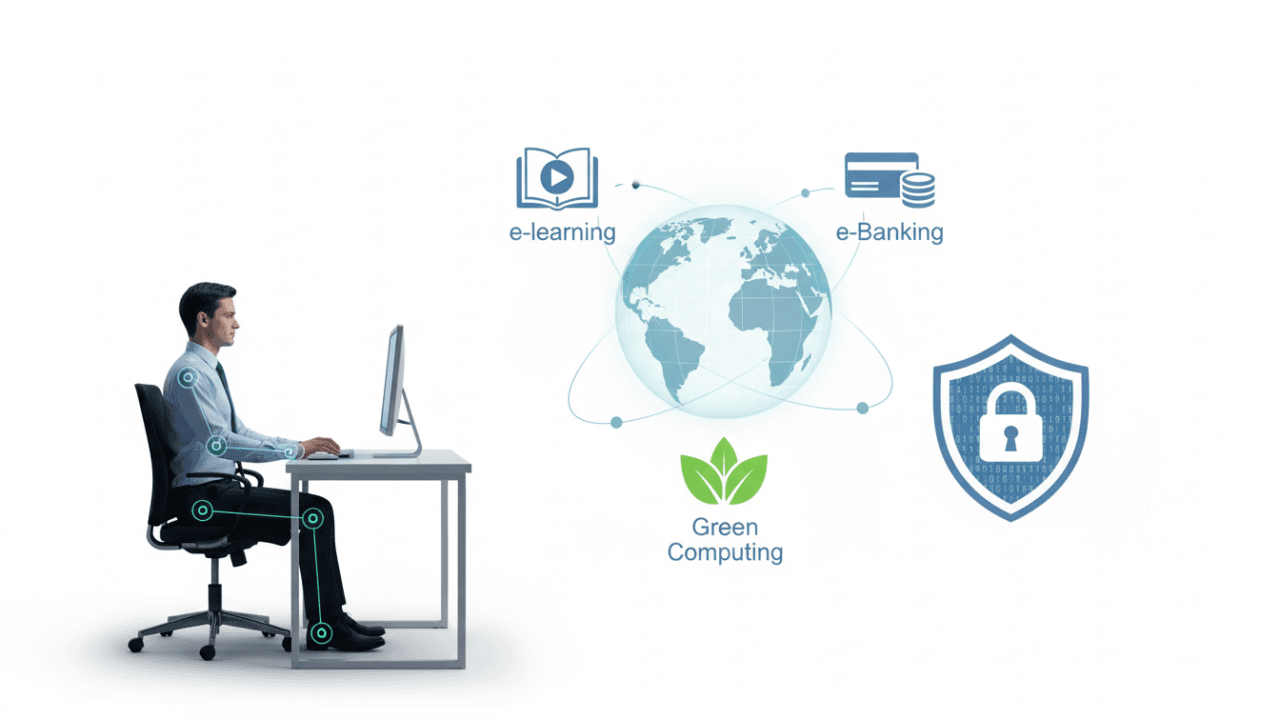
The final lesson in the GCE O/L ICT syllabus, Lesson 15, explores the profound impact Information and Communication Technology has on our daily lives, economy, and culture. It moves beyond technical code and hardware to look at the ethical, social, and physical consequences of living in a digital world.
Using the SchoolICT.net interactive learning tool, you can navigate complex social scenarios and understand your responsibilities as a digital citizen.
1. Impact of ICT on Society
ICT has revolutionized various sectors. You should be familiar with these key areas:
- Education: e-Learning, virtual classrooms, and digital libraries.
- Health: Telemedicine, electronic medical records, and robotic surgery.
- Agriculture: Automated irrigation, weather forecasting, and crop monitoring apps.
- Economy: e-Banking, online shopping (e-Commerce), and digital payments.
2. Ethical and Legal Issues
As we use technology, we must follow ethical guidelines to prevent harm and respect others’ rights.
Key Terms to Know:
- Software Piracy: Unauthorized copying or distribution of copyrighted software.
- Plagiarism: Taking someone else’s work or ideas and passing them off as your own.
- Cybercrime: Illegal activities committed using a computer or the internet (e.g., hacking, identity theft).
- Privacy: The right to control how your personal information is collected and used.
3. The Digital Divide
The Digital Divide refers to the gap between individuals, households, and geographic areas that have access to modern ICT and those that do not.
- Causes: Poverty, lack of infrastructure, and lack of digital literacy.
- Solutions: Government subsidies, infrastructure development in rural areas, and free ICT education.
4. Health and Safety in ICT
Prolonged computer use can lead to physical health issues. The O/L syllabus emphasizes Ergonomics—the science of designing the workplace to fit the user.
Common Health Issues:
- Repetitive Strain Injury (RSI): Pain in muscles/tendons due to repetitive movements (like typing).
- Carpal Tunnel Syndrome: Pressure on the median nerve in the wrist.
- Computer Vision Syndrome (CVS): Eye strain and blurred vision from staring at screens.
Ergonomic Tips:
- Keep the monitor at eye level.
- Use a chair with proper lumbar (lower back) support.
- Keep feet flat on the floor or on a footrest.
- Take regular breaks (the 20-20-20 rule).
5. e-Government Services
Many governments now provide services online to improve efficiency and transparency. These are categorized as:
- G2C (Government to Citizen): e.g., applying for a passport or paying utility bills online.
- G2B (Government to Business): e.g., business registrations and tax filings.
- G2G (Government to Government): Sharing information between different state departments.
6. Interactive Learning: ICT in Society Tool
The SchoolICT.net ICT in Society Tool is designed to help you apply these social concepts to real-world situations.
Features of the Tool:
- Ethics Decision Tree: Face a scenario (e.g., “A friend asks for a cracked software key”) and choose the most ethical action to see the consequences.
- Ergonomics Check: An interactive diagram where you “fix” a student’s workspace by adjusting their chair height and screen position.
- e-Service Matcher: Drag and drop different government services into the correct categories (G2C, G2B, or G2G).
- Digital Divide Map: Visualize how different factors like income and location contribute to the global digital gap.
7. Environmental Impact (Green Computing)
ICT also affects the environment. Green Computing involves:
- Reducing power consumption of devices.
- Properly disposing of e-Waste (electronic waste) to prevent toxic chemicals from leaking into the soil.
- Recycling old hardware components.
8. Exam Success Tips for O/L Students
- Define Terms Clearly: Be ready to define “Plagiarism,” “Digital Divide,” and “Ergonomics” in your own words.
- Health Solutions: If an exam question asks about “eye strain,” focus your answer on monitor distance and lighting. If it asks about “wrist pain,” focus on keyboard height.
- e-Commerce Benefits: Remember that 24/7 availability and global reach are the biggest advantages of online business.
- Identify the Category: Practice identifying if a service is G2C or G2B based on who is receiving the service.
Conclusion: Becoming a Responsible User
Lesson 15 is the “heart” of the ICT syllabus. It reminds us that while technology is a powerful tool, it must be used with care, ethics, and respect for our health and environment. By using the SchoolICT notes and simulator, you’re not just preparing for an exam—you’re preparing for life in a digital society.
Finalize your O/L preparation:



Leave a Reply