
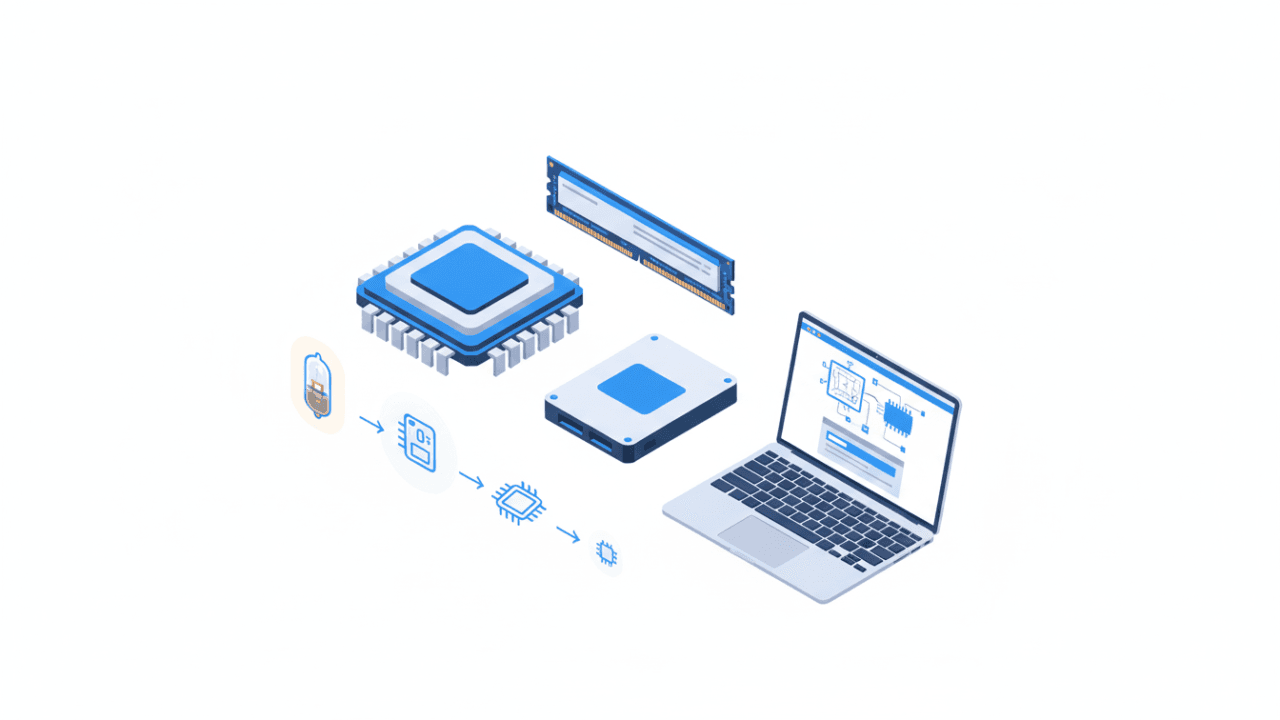
For every GCE O/L ICT student in Sri Lanka, Unit 2: Computer Hardware is a high-priority area. Historically, this unit accounts for 5 to 7 MCQ questions and is an essential part of the first structured essay question in Paper II, carrying approximately 5 to 8 marks.
In this comprehensive guide, we will dive deep into the physical components of a computer and trace the incredible journey from mechanical calculators to modern Artificial Intelligence.
1. The Five Core Functions of a Computer System
A computer system isn’t just a box; it is a synchronized unit performing five main tasks:
- Input: Accepting raw data.
- Processing: Converting data into information.
- Output: Presenting the results.
- Storage: Keeping data for future use.
- Communication: Exchanging data with other systems.
At the heart of this process is the Central Processing Unit (CPU), often called the “brain” of the computer. It consists of the Arithmetic and Logic Unit (ALU), which handles calculations, and the Control Unit (CU), which manages the flow of signals.
2. The Evolution: From Mechanical to AI
Before we had microchips, computing was a mechanical process. Understanding this timeline is crucial for the O/L syllabus.
The Early Mechanical Era
- Pascaline (1642): Created by Blaise Pascal, this was one of the first mechanical calculators.
- Analytical Engine: Designed by Charles Babbage, the “Father of Computers.”
The Four Main Generations of Electronic Computing
Each generation is defined by the core technology it used:
| Generation | Period | Key Technology | Iconic Examples |
| First | 1940-1956 | Vacuum Tubes | ENIAC |
| Second | 1956-1963 | Transistors | IBM 1401 |
| Third | 1964-1971 | Integrated Circuits (IC) | IBM System/360 |
| Fourth | 1971-Present | Microprocessors (VLSI) | Altair 8800, Modern PCs |
| Fifth | Future | AI & ULSI | IBM Watson |
3. Classifying Hardware: Input, Output, and I/O Devices
Hardware is categorized by how it interacts with the user and the system.
Input-Only Devices
These devices send data to the computer:
- Keyboard & Mouse: The standard tools for interaction.
- Scanner: Converts physical documents into digital data.
- Barcode Reader: Widely used in supermarkets.
- OMR & MICR: Specialized scanners for exam papers and bank checks.
Output-Only Devices
These devices receive data from the computer:
- Monitor & Projector: Visual display tools.
- Printer: Creates hard copies.
- Plotter: Used for high-quality, large-scale architectural designs.
Dual-Purpose (I/O) Devices
Some hardware can perform both functions. A prime example is the Touch Screen, which displays information (output) while allowing the user to enter commands (input).
4. Computer Memory and Storage Hierarchy
Memory is classified based on its speed and whether it keeps data when the power is turned off.
Primary Storage (Volatile vs. Non-Volatile)
- RAM (Random Access Memory): High-speed, volatile memory that the CPU accesses directly. Data is lost when power is cut.
- ROM (Read Only Memory): Non-volatile memory that stores essential start-up instructions like the BIOS.
- Cache Memory: Extremely fast memory located close to the CPU to speed up processing.
Secondary Storage (Persistent)
These devices store large amounts of data permanently:
- Magnetic Storage: Hard Disk Drives (HDD).
- Optical Storage: CDs, DVDs, and Blu-ray discs.
- Solid State Storage: SSDs and USB Flash Drives. These are faster than HDDs because they have no moving parts.
Speed Hierarchy: Registers (Fastest) → Cache → RAM → Hard Disk (Slowest).
5. Computer Ports: Connecting the World
To connect external devices (peripherals), computers use various ports:
- USB (Universal Serial Bus): The most common port for keyboards, mice, and printers.
- RJ45 (Ethernet): Used to connect to a Local Area Network (LAN).
- HDMI/VGA: Used for video output. HDMI is superior as it carries both video and audio signals.
6. Types of Computers
Not all computers are the same. They are categorized by size and power:
- Supercomputers: Used for massive data processing like weather forecasting (e.g., Cray).
- Mainframes: Used by large organizations (banks) for bulk data processing.
- Laptops & Tablets: Portable devices designed for mobility and convenience.

Leave a Reply