
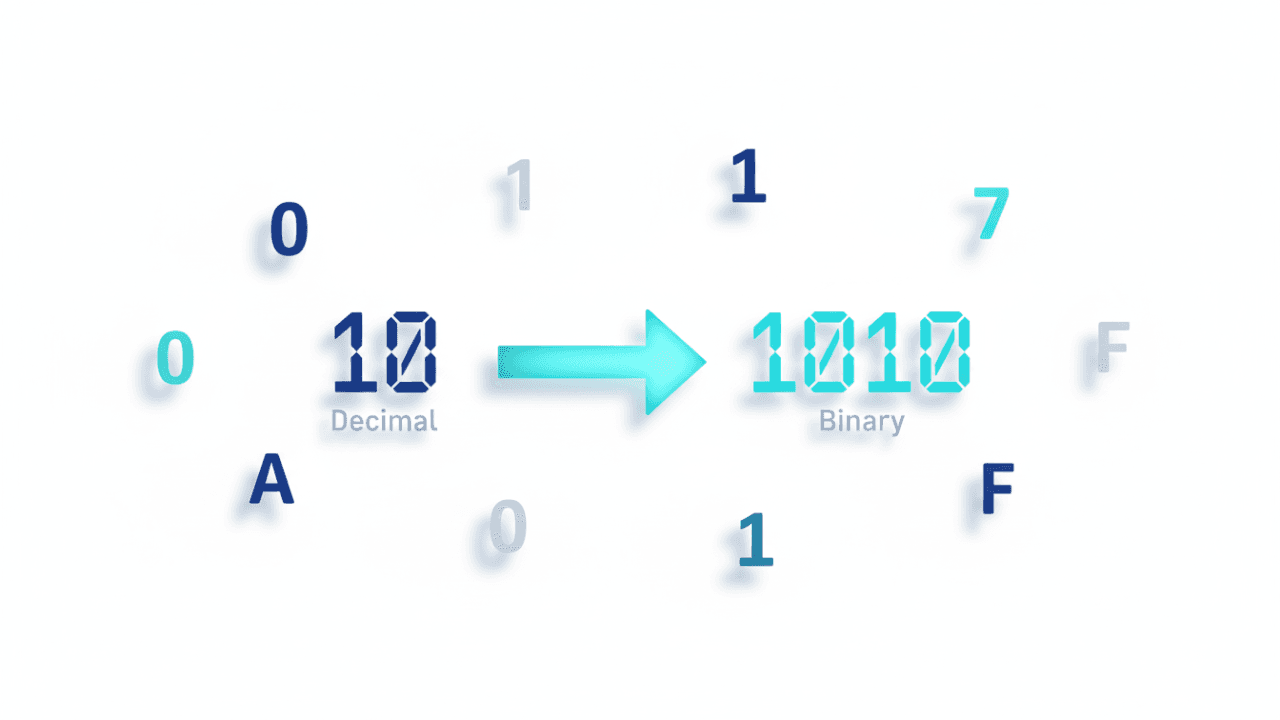
In the world of Information Technology, everything—from the text you read to the videos you watch—is represented by numbers. For Sri Lankan GCE O/L ICT students, Lesson 3: Number Systems is a vital unit. It typically accounts for a significant portion of the MCQ paper and is a frequent topic in the structured part of Paper II.
In this post, we will break down the four primary number systems used in computing and provide a clear path for mastering conversions between them.
1. Why Do Computers Use Different Number Systems?
Human beings primarily use the Decimal (Base 10) system because we have ten fingers. However, digital computers are built using electronic switches that can only be in two states: ON or OFF. This is why the Binary (Base 2) system is the fundamental language of all computers.
To make long strings of binary easier for humans to read and manage, we also use:
- Octal (Base 8)
- Hexadecimal (Base 16)
2. The Four Primary Number Systems
| Number System | Base | Digits Used |
| Binary | 2 | 0, 1 |
| Octal | 8 | 0, 1, 2, 3, 4, 5, 6, 7 |
| Decimal | 10 | 0, 1, 2, 3, 4, 5, 6, 7, 8, 9 |
| Hexadecimal | 16 | 0-9 and A, B, C, D, E, F |
Note: In Hexadecimal, A=10, B=11, C=12, D=13, E=14, and F=15.
3. Essential Conversions You Must Know
To excel in the O/L exam, you must be able to convert numbers between these bases accurately.
Decimal to Binary (The Division Method)
To convert a Decimal number to Binary, you repeatedly divide the number by 2 and record the remainders.
- Divide the number by 2.
- Write down the remainder (either 0 or 1).
- Continue until the quotient is 0.
- Read the remainders from bottom to top.
Binary to Decimal (The Power Method)
To convert Binary to Decimal, multiply each digit by 2 raised to the power of its position (starting from 0 on the right).
- Example: $1011_2 = (1 \times 2·3) + (0 \times 2·2) + (1 \times 2·1) + (1 \times 2·0) = 8 + 0 + 2 + 1 = 11_{10}$
4. Understanding Data Representation
Beyond simple numbers, computers must represent text and characters. This is done using character encoding schemes:
- ASCII (American Standard Code for Information Interchange): Uses 7 or 8 bits to represent characters.
- EBCDIC: An older 8-bit character encoding used primarily on IBM mainframe computers.
- Unicode: A modern standard that can represent almost all written languages in the world (including Sinhala and Tamil).
5. Interactive Learning Tools at SchoolICT.net
To help you master these concepts, we have developed specialized Learning Tools that allow you to practice conversions in real-time. Instead of just reading about binary, you can use our simulator to:
- Convert Decimal to Binary instantly.
- Visualize how bits (0s and 1s) change as the number grows.
- Test your knowledge with interactive quizzes designed specifically for the Sri Lankan O/L syllabus.
Using these tools helps build “muscle memory” for calculations, which is essential for finishing your ICT exam paper on time.
6. Exam Tips for O/L ICT Students
- Show Your Steps: In Paper II, always show your division or multiplication steps. Even if your final answer is slightly off, you can earn marks for the correct method.
- Memorize the “A-F” Values: Many students lose marks in Hexadecimal questions because they forget that ‘E’ is 14 or ‘B’ is 11. Practice writing the Hex table before you start the exam.
- Check Your Base: Always look at the small subscript number (e.g., $101_{10}$ vs $101_2$). Solving for the wrong base is a common and costly mistake.
Leave a Reply