
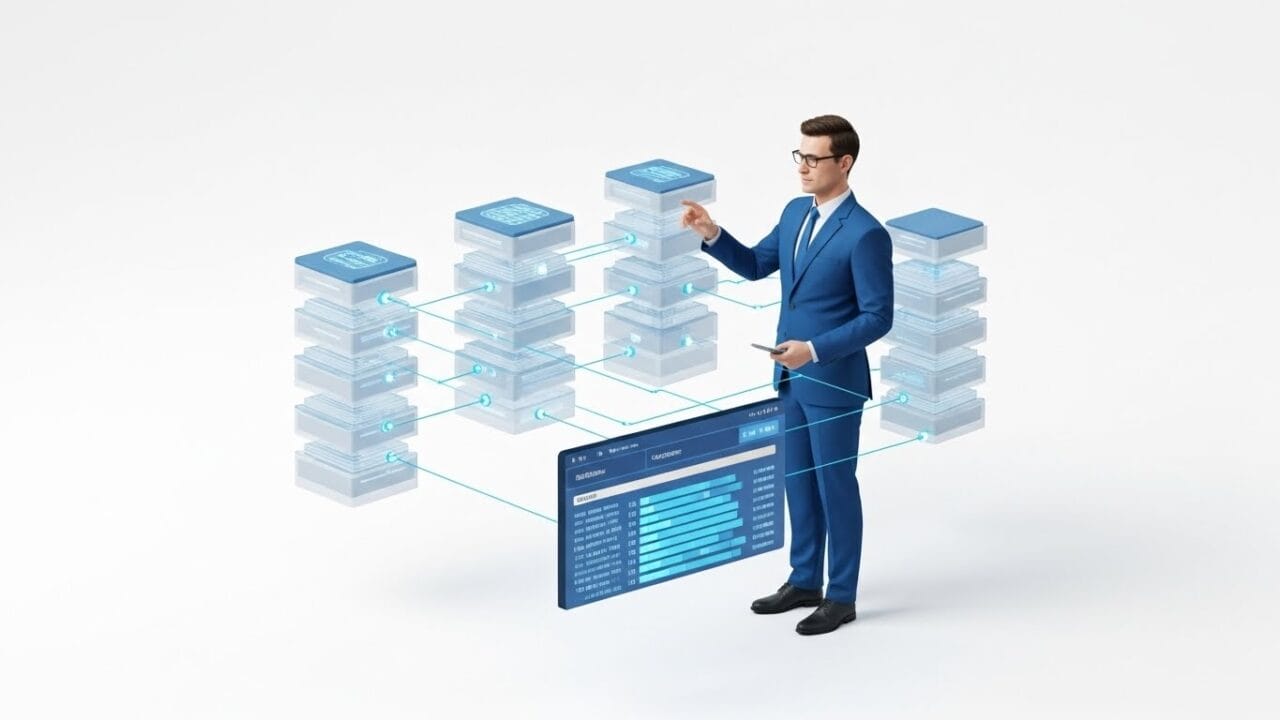
In the modern world, data is the most valuable asset. Managing that data efficiently requires more than just tables; it requires a Database Management System (DBMS). For GCE A/L ICT students, Lesson 8 moves beyond basic data entry into the architecture of relational databases, the logic of normalization, and the power of SQL.
By combining our LMS theory with the SchoolICT.net Database Learning Tool, you can practice writing queries and normalizing tables in a risk-free environment.
1. Introduction to RDBMS
A Relational Database Management System (RDBMS) stores data in tables (relations) that are linked based on common fields.
Key Terms:
- Attribute: A column in a table (e.g., Student_Name).
- Tuple: A row in a table (a single record).
- Domain: The set of allowable values for an attribute.
- Primary Key: A unique identifier for a record.
- Foreign Key: An attribute in one table that provides a link to the primary key of another table.
2. Database Normalization
Normalization is the process of organizing data to reduce redundancy (duplication) and improve data integrity. This is a high-weightage topic for the A/L exam.
- First Normal Form (1NF): Remove repeating groups and ensure all attributes are atomic (indivisible).
- Second Normal Form (2NF): Must be in 1NF and remove Partial Functional Dependencies (every non-key attribute must depend on the entire primary key).
- Third Normal Form (3NF): Must be in 2NF and remove Transitive Dependencies (non-key attributes should not depend on other non-key attributes).
3. SQL: Structured Query Language
SQL is the standard language used to communicate with a database. A/L students must master DDL and DML.
Data Definition Language (DDL):
Used to define the structure of the database.
CREATE TABLE: To create a new table.ALTER TABLE: To modify an existing table.DROP TABLE: To delete a table.
Data Manipulation Language (DML):
Used to manage the data within the tables.
SELECT: To retrieve data.INSERT INTO: To add new records.UPDATE: To modify existing records.DELETE: To remove records.
4. ER Diagram to Relational Mapping
Before building a database, you must map your ER Diagram (from Lesson 7) into a Relational Schema.
- Each Entity becomes a Table.
- 1:M Relationships: The Primary Key of the “One” side becomes a Foreign Key on the “Many” side.
- M:M Relationships: Create a new “Junction Table” containing the Primary Keys of both related tables.
5. Interactive Learning: Database Tool
Visualizing how SQL commands affect tables can be difficult. The SchoolICT.net Database Learning Tool provides an interactive SQL console.
Features of the Tool:
- SQL Editor: Write
SELECT,JOIN, andWHEREqueries and see the results update instantly in a virtual table. - Normalization Assistant: Input an unnormalized table and follow a step-by-step guide to break it down into 1NF, 2NF, and 3NF.
- Schema Visualizer: Drag and drop tables to create relationships and watch the tool automatically generate the Foreign Key constraints.
- Integrity Checker: See what happens when you try to delete a record that is linked to another table (Referential Integrity).
6. Database Integrity and Security
- Entity Integrity: Ensures the Primary Key is not null and is unique.
- Referential Integrity: Ensures that a Foreign Key value always matches an existing Primary Key value in the parent table.
- Database Security: Involves encryption, user authentication, and access controls (using
GRANTandREVOKE).
7. Exam Success Tips for A/L Students
- Normalization Steps: In Paper II, when asked to normalize, always show the intermediate steps. Clearly state which dependencies you are removing.
- SQL Syntax: Pay attention to semicolons (
;) and quotes for strings (e.g.,'Colombo'). These small errors can cost marks. - Joins: Understand how to use
INNER JOINto retrieve data from two related tables simultaneously. - Aggregate Functions: Practice using
COUNT(),SUM(),AVG(),MAX(), andMIN()in combination with theGROUP BYclause.
Conclusion: Becoming a Data Architect
Lesson 8 is the core of modern backend development. Understanding how to structure, protect, and query data is a fundamental skill for any ICT professional. Use our LMS notes to master the theory of normalization and the interactive SQL tool to perfect your querying skills.
Ready to query your data?



Leave a Reply